Conquering Digital Clutter for Mental Space and Focus
30 August 2026
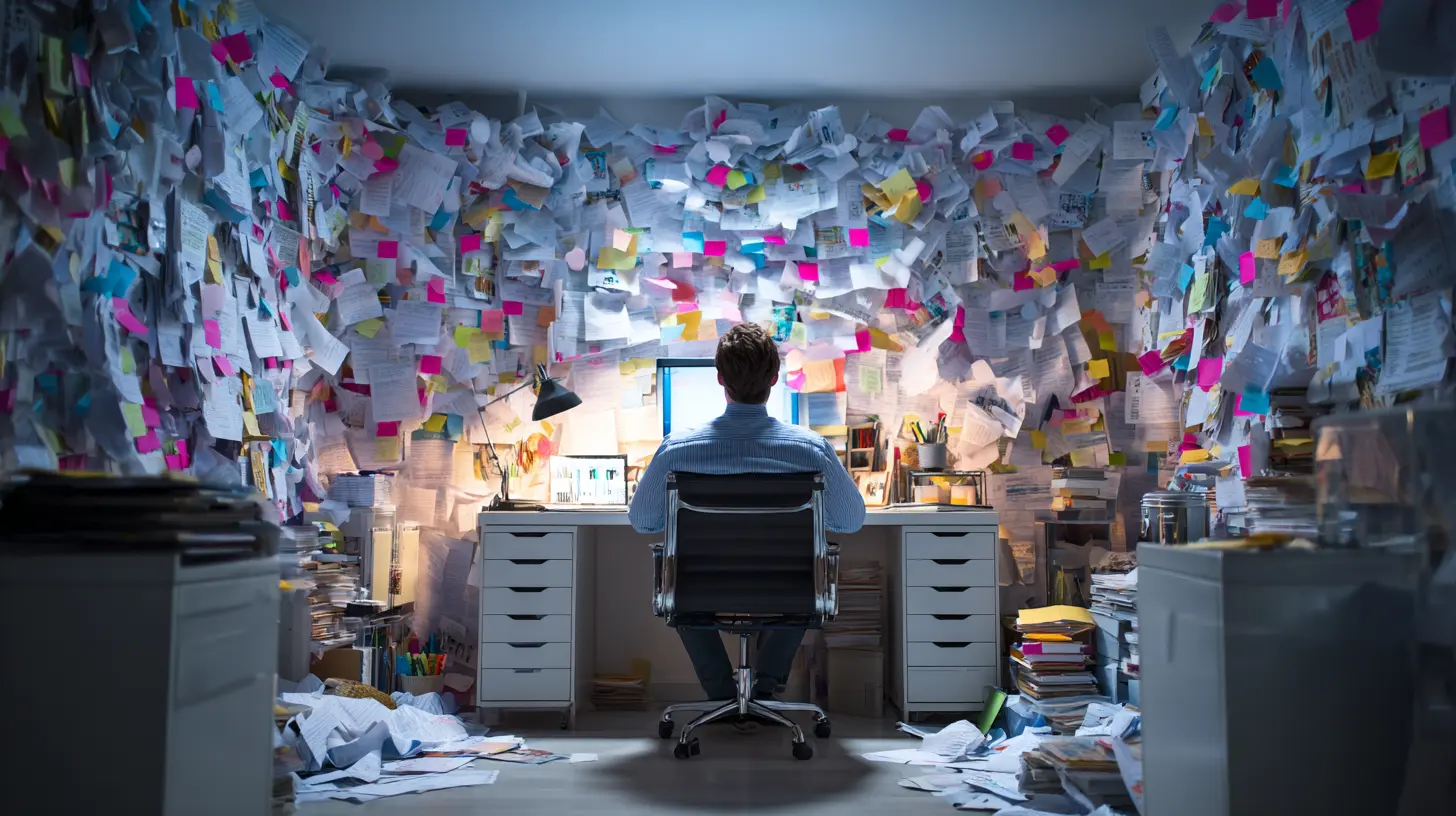
Every time you unlock your phone, you are stepping into a room that someone else designed. That room has flashing lights, open drawers, half-finished conversations, and a television playing in the corner. You did not build this room, but you live in it. And it is making you tired.
Digital clutter is not just a messy desktop or a full inbox. It is the accumulated weight of every notification, every forgotten screenshot, every unused app, every browser tab you swore you would read later. It is the constant hum of background noise that tells your brain there is always something unresolved. The cost is not storage space. The cost is attention, and attention is the raw material of your work, your relationships, and your sense of control.
This article is not about minimalism as an aesthetic. It is about reclaiming your cognitive bandwidth through deliberate, practical systems. You do not need to throw away your devices or move to a cabin. You need to understand how digital clutter affects your mind, and then you need to build a defense that actually holds.
Why Digital Clutter Feels Different from Physical Clutter
A pile of papers on your desk is annoying, but it is static. You can see its boundaries. You know that if you ignore it, it will not grow by itself. Digital clutter is alive. It multiplies while you sleep. Emails arrive, apps update, notifications stack, and cloud storage syncs across three devices. The mess is not just visual; it is temporal and procedural.Your brain treats incomplete tasks as open loops. Psychologists call this the Zeigarnik effect, and it means that unfinished things occupy more mental space than finished ones. Every unread message, every unplayed badge, every red dot is an open loop. Even if you never open the app, your subconscious registers that there is something pending. This creates a low-grade, constant anxiety. It is the reason you feel restless even when you are not doing anything.
Physical clutter also has a stopping point. You can clear a room in an afternoon. Digital clutter has no natural end because the sources are infinite. You cannot finish your email. You cannot finish the internet. So the goal cannot be zero. The goal has to be a system that keeps the noise below the threshold where it interferes with your thinking.
The Real Cost of Constant Switching
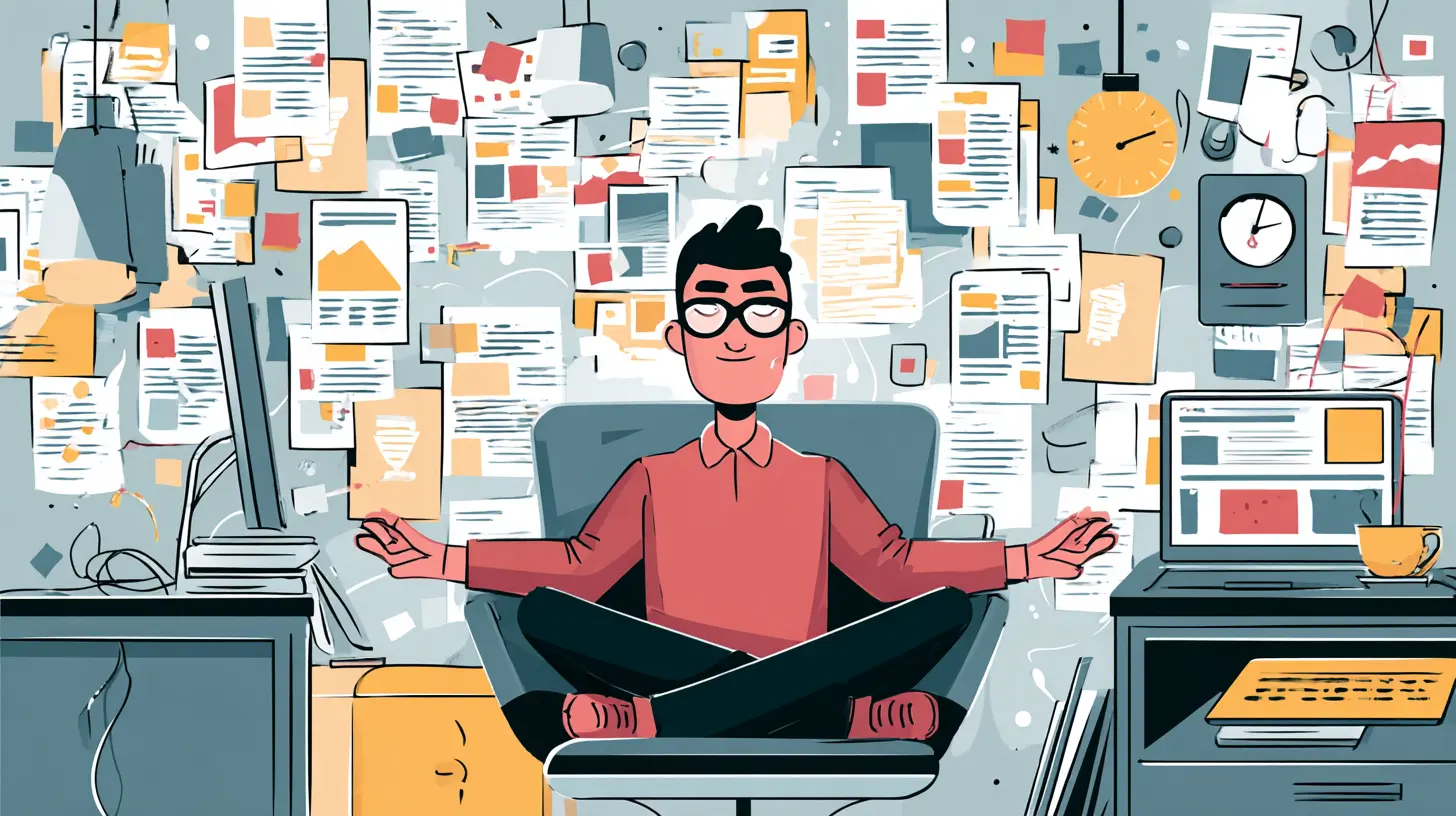
Many people believe they are good at multitasking. The research does not support that belief. When you switch between tasks, your brain performs what is called attention residue. You shift your focus, but a part of your mind stays stuck on the previous task. This residue reduces your performance on the new task, and it accumulates with every switch.Digital clutter is a switch machine. A notification does not just interrupt you; it pulls your mind toward a different context. You are writing a report, you see a Slack message, you reply, you glance at a news headline, you check your calendar, and then you try to get back to the report. That process costs more than the two minutes you spent on the interruptions. It costs the next ten minutes of shallow, fragmented attention while your brain reorients.
The solution is not willpower. Willpower is a finite resource, and every tempting icon depletes it. The solution is friction. You need to make the wrong action harder and the right action easier. That means removing the visual and auditory cues that trigger the switching impulse, not just promising yourself you will be more disciplined.

The Inbox as a To-Do List (and Why That Fails)
Email is the most common form of digital clutter, and the reason is simple: people treat their inbox as a memory system. They leave messages unread because they are afraid of forgetting the task inside. But an inbox is a terrible to-do list. It has no priorities, no deadlines, no context, and no way to distinguish a critical client request from a promotional newsletter.The better approach is to treat the inbox as a collection point, not a storage unit. You process it at set times, and you decide what each message means. There are only five actions for any email: delete, delegate, respond, do, or defer to a real task manager. If you defer, the task goes into your calendar or your project list, and the email gets archived or labeled as reference.
This sounds simple, but it requires a shift in identity. You are not someone who keeps up with email. You are someone who processes email. The former is reactive and endless. The latter is bounded and finite. You do not need to reach inbox zero every day. You need to reach a state where your inbox only contains messages that are waiting for someone else, not messages that are waiting for you.

The Notification Problem: Interruptions vs. Distractions
There is a difference between an interruption and a distraction. An interruption is external and urgent, like a fire alarm or a call from your child's school. A distraction is external and optional, like a like on your post or a breaking news alert. Most notifications are distractions dressed up as interruptions.You can train yourself to ignore distractions, but that training is exhausting. A better move is to change the notification settings on every device so that only true interruptions come through. For most people, that means phone calls from specific contacts, calendar alerts, and maybe a messaging app used by family. Everything else can be checked on your own schedule.
Do not underestimate the power of the badge icon. The little red number on an app is a visual trigger that you cannot fully ignore. Even if you do not tap it, it registers in your peripheral vision and creates a subtle pull. Turning off badges for non-essential apps is one of the fastest wins you can get. It costs nothing, takes five minutes, and reduces the background hum significantly.
The Browser Tab Trap
Browser tabs are a special kind of clutter because they represent open questions. You open a tab because you intend to read it, buy it, compare it, or save it. Then you forget, and the tab sits there for weeks. Each tab is a small promise to yourself that you have broken.The reason tabs accumulate is that closing them feels like losing information. But a tab is not a bookmark. It is a temporary workspace. If you want to keep something, bookmark it with a proper name and folder. If you do not want to keep it, close it. The act of closing a tab is not a decision about the future; it is a decision about the present. You are saying, "I do not need this right now."
A practical rule is the one-tab rule for deep work. When you are writing, coding, or analyzing, you work in a single window with a single tab. Every other tab is closed or moved to a separate window that you do not look at. This sounds extreme, but it forces you to resolve questions instead of parking them. You will be surprised at how many tabs you close without ever missing them.
Files, Folders, and the Myth of Perfect Organization
Some people respond to digital clutter by creating elaborate folder structures. They have a folder for every project, subfolders for every phase, and naming conventions that would make a librarian proud. This often makes things worse. The more categories you create, the more decisions you have to make when saving a file, and the more likely you are to abandon the system.The most effective file systems are shallow. You have a small number of active folders, and you rely on search to find things. Modern operating systems and cloud services have excellent search. You do not need to remember where you put a file if you can remember a word from its name or content.
The real issue is not organization; it is accumulation. You keep every version of every document because storage is cheap. But every extra file adds a tiny cost when you search, and that cost adds up. A better practice is to archive aggressively. Anything you have not touched in six months goes into an archive folder. You do not delete it, but you remove it from your active workspace. This gives you the safety of keeping everything and the clarity of a clean working area.
The Social Media Scroll Trap
Social media is designed to be endless. There is no completion state, no moment where you have seen everything. The feed is infinite by design, and the infinite scroll is a psychological mechanism that keeps you engaged past the point of value.The clutter from social media is not visual; it is cognitive. You consume dozens of opinions, images, and stories, and your brain has to process each one, even if only briefly. This creates a state of constant context switching that feels like engagement but is really exhaustion.
The fix is not to delete all social media. For many people, social media is how they stay in touch with friends or promote their business. The fix is to make the feed a deliberate choice rather than a default. You can use a browser extension to block the feed and only allow direct messages. You can set a timer on the app. You can move the app off your home screen and into a folder that requires extra taps to open. The goal is to introduce a moment of decision between impulse and action.
The Cloud Storage Hoard
Cloud storage is convenient, but it has a dark side. It encourages hoarding because there is no physical limit. You take photos of everything, save every document, and back up every conversation. Then you have thirty thousand files that you will never look at again.This is not a storage problem; it is a decision problem. You are avoiding the decision to delete because deleting feels permanent. But the cost of keeping is a constant background noise in your search results and your backup system.
A practical approach is to schedule a digital declutter session once a month. Pick one category, like screenshots or old downloads, and go through it. You do not need to be ruthless. You can keep anything you are not sure about, but move it to an archive. The act of reviewing and deciding is what matters, not the number of files you delete.
The Hidden Clutter: Subscriptions and Accounts
One of the most insidious forms of digital clutter is the subscription. You signed up for a newsletter, a streaming service, a software trial, and a free account on a website you used once. Each of these sends you emails, updates, and notifications. Each one is a small thread pulling at your attention.Audit your subscriptions twice a year. Use a password manager to see all your accounts. Cancel anything you have not used in the last three months. Unsubscribe from newsletters that you do not read. This is not about saving money, though that is a side benefit. It is about reducing the number of sources that can reach you.
The trade-off is that you might miss something. But the probability that you will miss something important from a service you have ignored for months is very low. The probability that your attention will improve when you stop receiving those messages is very high.
The Role of Physical Devices in Digital Clutter
Your devices are not neutral. A phone with a hundred apps looks different from a phone with twenty apps, even if you use the same twenty apps. The visual density of your home screen affects your mental state. Every icon is a reminder of a possibility, and possibilities are distracting.A good practice is to keep only the apps you use weekly on your home screen. Everything else goes into the app library or a folder on the second page. This is not about hiding apps; it is about reducing the visual noise when you unlock your phone.
The same applies to your computer desktop. A desktop should be a temporary workspace, not a permanent storage unit. If your desktop has more than a few icons, you are using it as a memory system, and that is inefficient. Move everything into folders or the cloud, and leave your desktop empty. It will feel strange for a day, and then it will feel calming.
Common Mistakes People Make When Decluttering
The first mistake is trying to do everything at once. You cannot organize your email, your files, your phone, and your social media in one weekend. You will burn out and revert to old habits. Instead, tackle one area at a time and give yourself a week to adjust.The second mistake is using digital clutter as a substitute for decision-making. You keep a file because you might need it. You keep a tab because you might read it. You keep a message because you might reply. This is not organization; it is procrastination. The act of keeping is a way to avoid making a choice.
The third mistake is confusing tools with systems. Buying a new email app or a note-taking tool does not solve the problem. The problem is behavior, not software. You need a rule for what you keep and what you delete, and that rule has to be simple enough to follow when you are tired.
The fourth mistake is ignoring the emotional dimension. People attach meaning to digital objects. A screenshot of a conversation, an old presentation, a photo of a former colleague. These are not just files; they are memories. You do not have to delete them. You just have to move them out of your active workspace. The archive is not a graveyard; it is a library.
The Trade-Offs of Going Digital Minimalist
There is a cost to reducing digital clutter. You might miss a message that was buried in a newsletter. You might forget a task that was only in your email. You might feel a moment of anxiety when you close a tab that you were planning to read.These costs are real, but they are small compared to the benefit. The benefit is a clear head. When you are not constantly processing background noise, you can think more deeply, make better decisions, and feel more in control.
The trade-off is also about convenience. Keeping everything is convenient in the short term because you do not have to decide. But that convenience is a trap. It shifts the cost to your future self, who has to wade through the mess. A small investment of time now saves a much larger investment later.
Practical Steps to Start Today
You do not need a grand plan. You need a few small actions that you can take right now, and then you need to repeat them.First, turn off all non-essential notifications on your phone. Keep only calls from favorites, calendar alerts, and maybe one messaging app. This takes five minutes and has an immediate effect.
Second, close all browser tabs that you have not looked at in the last 48 hours. Bookmark the ones you want to keep, and close the rest. You will not miss them.
Third, empty your desktop. Move everything into a single folder called "Desktop Archive" and leave your desktop clean. You can always find things with search.
Fourth, set a daily time to process email. Thirty minutes in the morning and thirty minutes in the afternoon is enough for most people. Outside those times, do not open your inbox.
Fifth, schedule a monthly review. Pick one category of digital clutter, whether it is downloads, photos, or subscriptions, and spend thirty minutes cleaning it up.
These steps are not revolutionary. They are basic hygiene, like brushing your teeth. The difference is that most people have never been taught digital hygiene, and the consequences are not visible until they accumulate.
The Mental Space You Gain
When you reduce digital clutter, you do not just get a cleaner screen. You get mental space. That space is not empty; it is available. You can use it to think, to create, to rest, or to be present with the people around you.The focus you gain is not the ability to concentrate for longer periods. It is the ability to choose what you concentrate on. When the background noise is gone, you are not constantly reacting to stimuli. You are acting on your own intentions.
This is the real point of conquering digital clutter. It is not about perfection or purity. It is about regaining agency over your own attention. The digital world is not going away, and it should not. But you should be the one who decides when to enter it, what to bring in, and what to leave outside.
The tools are simple. The discipline is the hard part. But the reward is a mind that is quieter, sharper, and more your own.
all images in this post were generated using AI tools
Category:
ProductivityAuthor:

Matthew Scott
Discussion
rate this article
2 comments
Georgia Kelly
In the sea of screens and noise, clarity blooms. Shed the digital weight, embrace the stillness, and find your focus anew.
September 21, 2026 at 11:20 AM
Yvette McAleer
How can we simplify our digital lives for better focus today?
September 2, 2026 at 4:05 AM
Matthew Scott
Start by organizing your apps and notifications. Limit distractions by setting specific times for checking emails and social media. A clean digital space leads to a clearer mind.